





BRef is a clean and lightweight addon for managing reference images directly inside the 3D viewport or the scene itself. Simple, fast, and built for Blender 4.4+.
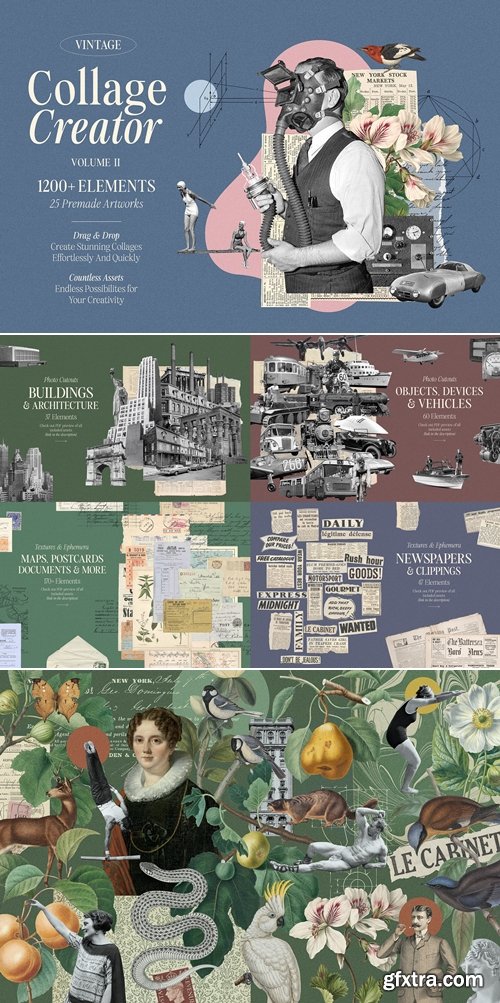
CreativeMarket - 1200+ Vintage Collage Creator Vol. 2 7407111
https://creativemarket.com/GraphicGoods/7407111-1200-Vintage-Collage-Creator-Vol.-2
- Easily create outstanding collages in minutes. Simply drag & drop elements of your choice out of 1200+ assets included. Endless combinations and possibilities for your creativity.
- Vol. 2 is even better, bigger, and more versatile collection than its predecessor. This huge package of 1200+ elements sourced from a variety of old photos, illustrations, art, ephemera, and textures is the ultimate arsenal for every digital collage maker who loves vintage esthetics. As a bonus, you get the 25 premade collage artworks to inspire you and get you started.
- All assets are very highly detailed, image dimensions vary from 1500px to 7500px on the long edge. Images were carefully isolated, you always get perfect edges.
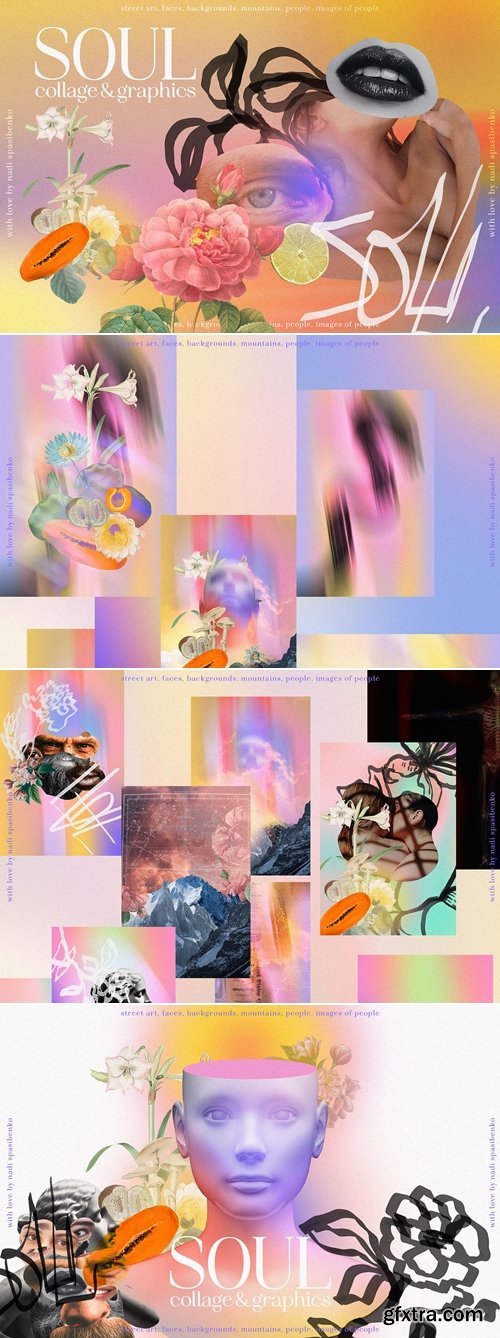
https://creativemarket.com/nadispasibenko/6846438-SOUL-COLLAGE-GRAPHICS
Soul Collage & Graphics
- 9 abstract spots
- 36 different elements: mountains, rose flowers, butterfly, fruits
- 25 graphic marker elements flowers, doodles, fruits, branches,
- 87 elements of faces, lips, eyes, body parts
- 6 porcelain faces 3d
- 14 colored faces (blur and gradient porcelain faces)
- 21 backgrounds
- 25 compositions

- Have you ever faced limitations in what to draw or how to express your feelings?
- Pyeongjun Park will teach you how to draw your own drawing without any problems under any circumstances. From drawings that express abstract elements to concept art that reveals specific stories, illustrator Pyeongjun Park's class provides answers to the question, 'What should I draw and how should I draw?' through drawing training for various situations.
- Learn the professional drawing routines of Pyeongjun Park, an illustrator who has collaborated with global companies such as Riot games, Marvel, and Tencent, and develop an artistic sense that allows you to start from scratch without any pressure!
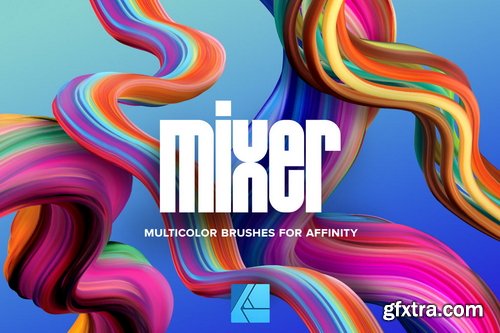
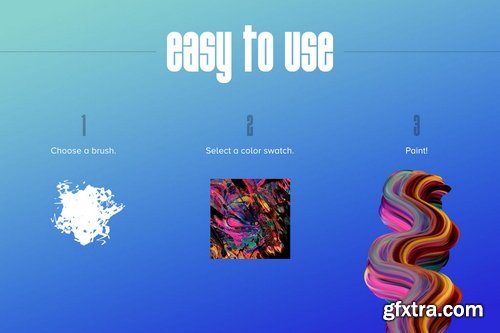
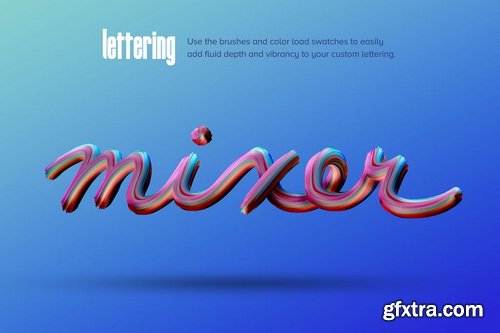
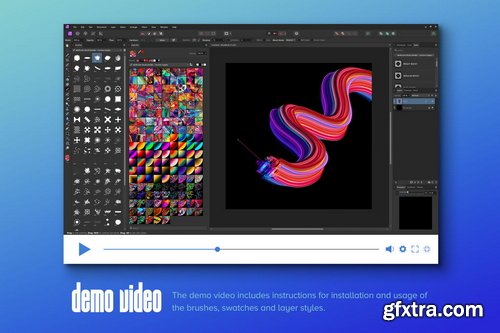
- Mixer allows you to quickly and easily create dimensional, fluid and MULTICOLOR brushstrokes within Affinity Photo. 1) Select a brush, 2) select a swatch, 3) paint! They're so fun to use, you won't want to put them down.
- 36 brushes (.afbrushes) | 77 color swatches (.afpalette) | Set of 8 layer styles (.afstyles) | Installation & Use Demo video
- Supported for Affinity Photo V2, Mac and PC, desktop and iPad versions. IMPORTANT: These only work with Affinity Photo V2 (2.0.0) or higher. They will not work on older versions. 8GB RAM recommended
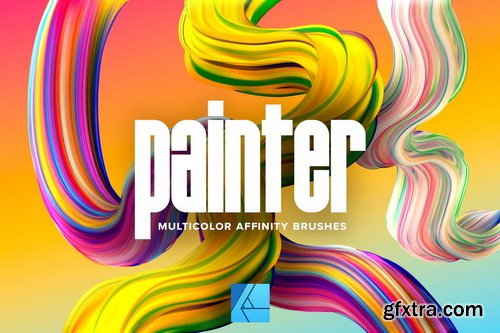
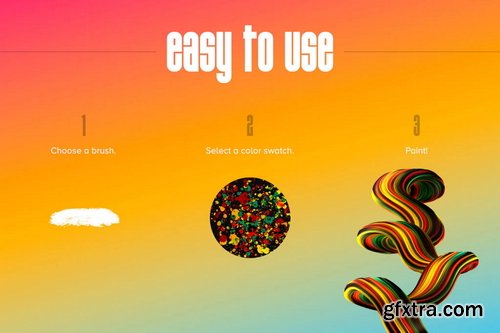
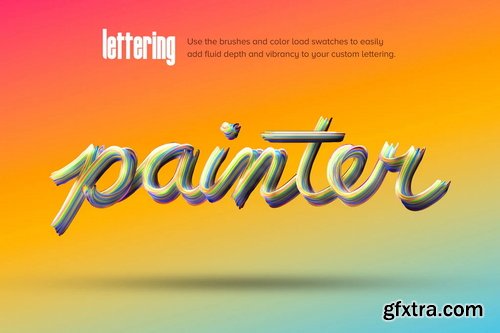
- Painter allows you to quickly and easily create dimensional, fluid and MULTICOLOR brushstrokes within Affinity Photo. 1) Select a brush, 2) select a swatch, 3) paint! They're so fun to use, you won't want to put them down.
- Building on new swatch functionality added to V2 of Affinity Photo, we've designed these brushes to be FULL COLOR. We spent months researching, beta testing and fine tuning this method. All the brushes and swatches were built from scratch.
- With 36 brushes and 45 paint swatches, you have over 1600 different brush/color combinations!
- Supported for Affinity Photo V2, Mac and PC, desktop and iPad versions. IMPORTANT: These only work with Affinity Photo V2 (2.0.0) or higher. They will not work on older versions. 8GB RAM recommended






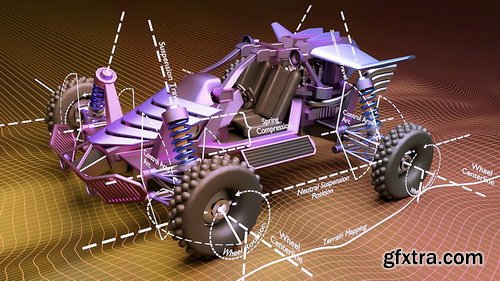
Python can be used for all kinds of things in Blender; for everything from automating tasks to creating custom UIs to developing entirely new, advanced tools like the RetopoFlow tool.
In many ways it is the advanced artists true best friend, as it allows you to push Blender much further than before and to shape it better fit your own needs and workflow. In this course you will learn how to manipulate Blender objects with handler functions. Handler functions are extremely powerful because you can use them do exactly what you want, when you want (such as moving an object on each frame change). It's possible to create this effect using functions that execute every time the frame in the current/specified Blender scene changes. When combined with the fact that we can access nearly everything in Blender through Python, the possibilities become endless.
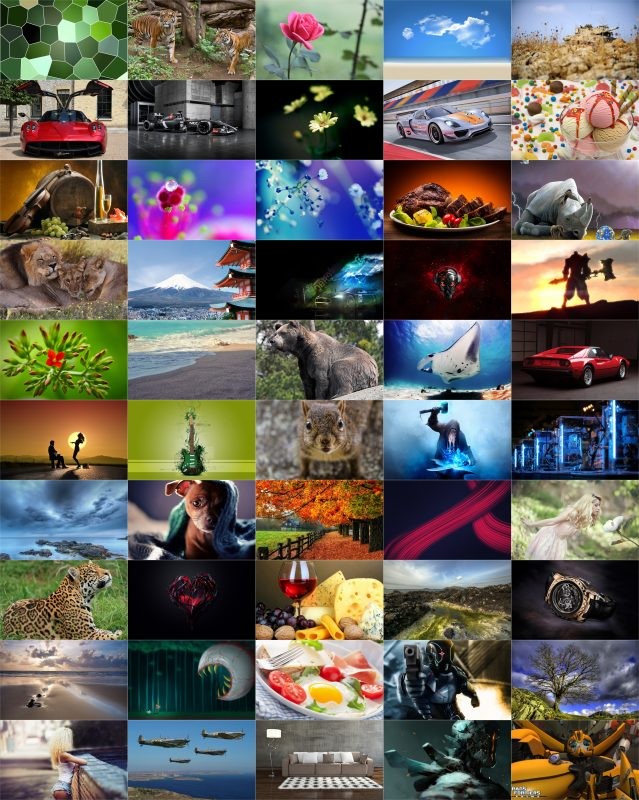 Quantity: 444
Format: JPG
Resolution: 1920 x 1080 - 7952 x 5304
Size: 568 MB
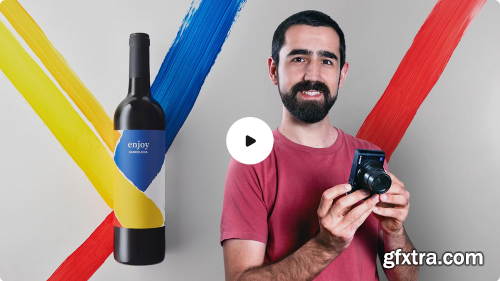
Learn basic concepts to create still-life photos from scratch
Whether it's a mouthwatering dish or a stunning garment, showcasing a product in its best light is the key to compelling an audience to buy it. In this course, learn to take spectacular product photos with just a few basic tools and techniques. Martí Sans, a photographer specialized in still-life photos, teaches you the basics of product photography, from lighting and camera prep on set all the way to post-production in Adobe Photoshop. This course is designed to help you take your first steps in the world of product photography. To delve deeper into the subject, sign up for Martí's other two courses, Product Photography and Photography of Shiny Objects and Lighting Tips.
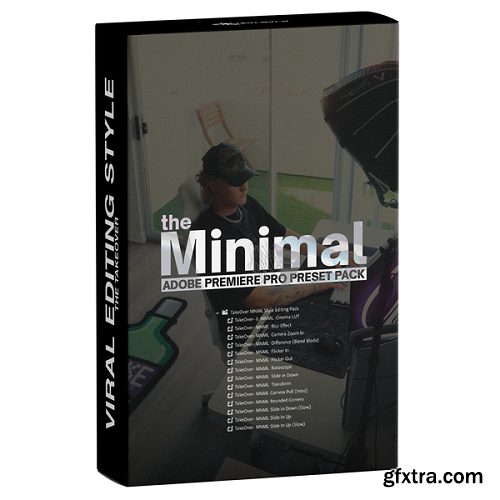
https://www.chrisboustedt.com/products/chriss-boustedts-edit-like-tom-noske-asset-pack
- Whether you're aiming to master the art of engaging short-form content or simply level up your editing game, this pack has everything you need to edit like the pro's themselves.
126,000 Royalty-Free 3D Model

Udemy Türkçe


Top Rated News
- CreativeLive Tutorial Collections
- Fasttracktutorials Course
- Chaos Cosmos Library
- MRMockup - Mockup Bundle
- Finding North Photography
- Sean Archer
- John Gress Photography
- Motion Science
- AwTeaches
- Learn Squared
- PhotoWhoa
- Houdini-Course
- Photigy
- August Dering Photography
- StudioGuti
- Creatoom
- Creature Art Teacher
- Creator Foundry
- Patreon Collections
- Udemy - Turkce
- BigFilms
- Jerry Ghionis
- ACIDBITE
- BigMediumSmall
- Globe Plants
- Unleashed Education
- The School of Photography
- Visual Education
- LeartesStudios - Cosmos
- Fxphd
- All Veer Fancy Collection!
- All OJO Images
- All ZZVe Vectors
- CGTrader 1 CGTrader 2



















